


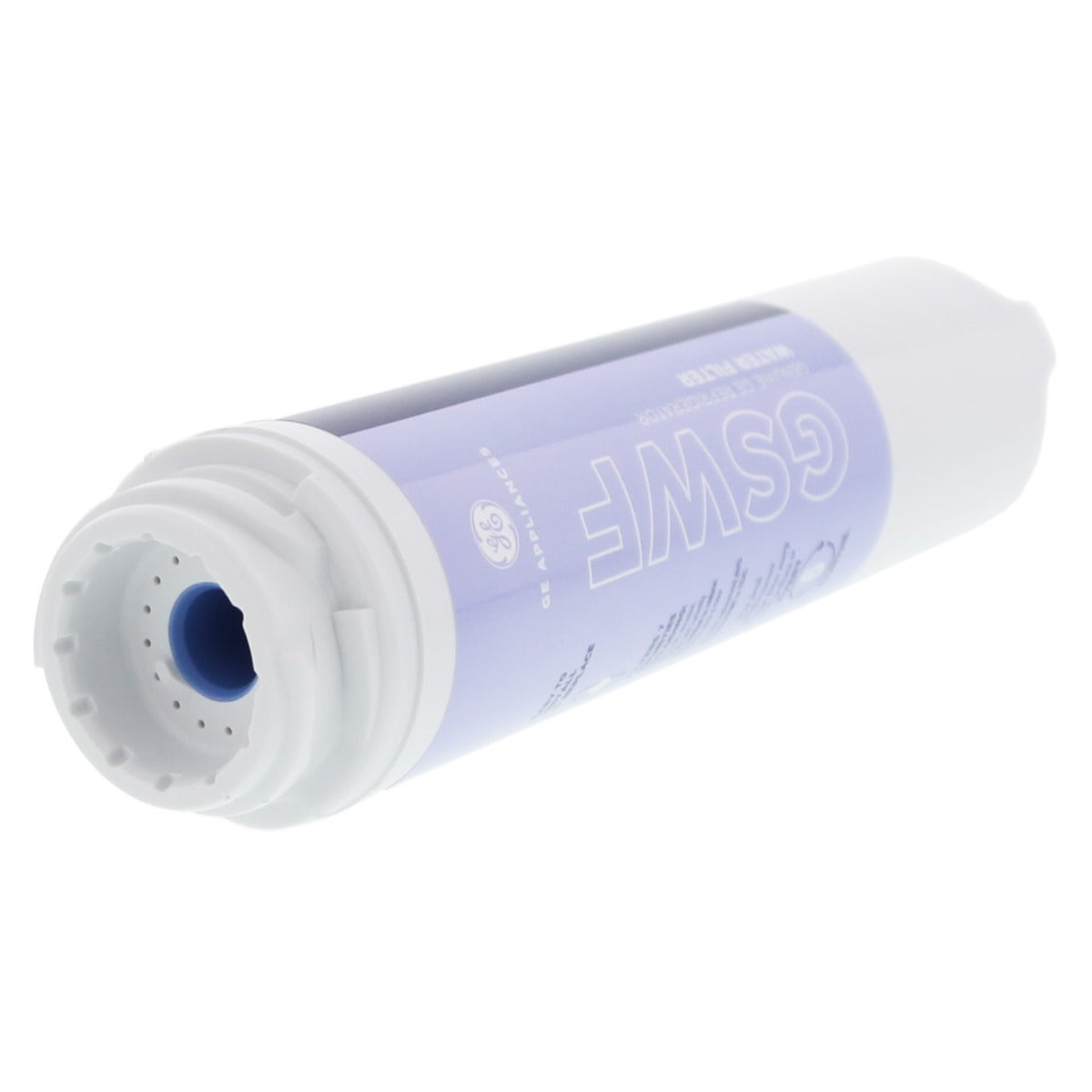

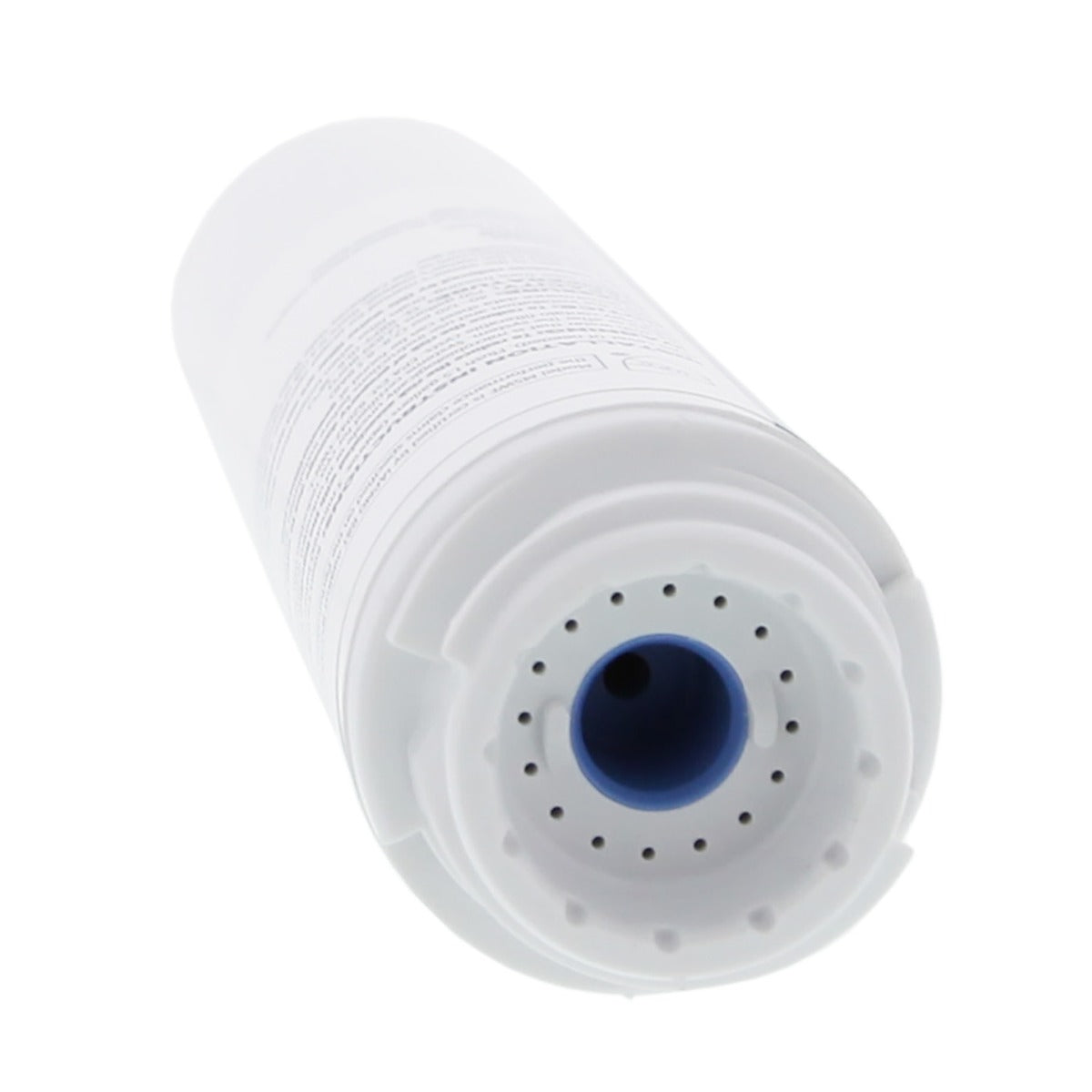

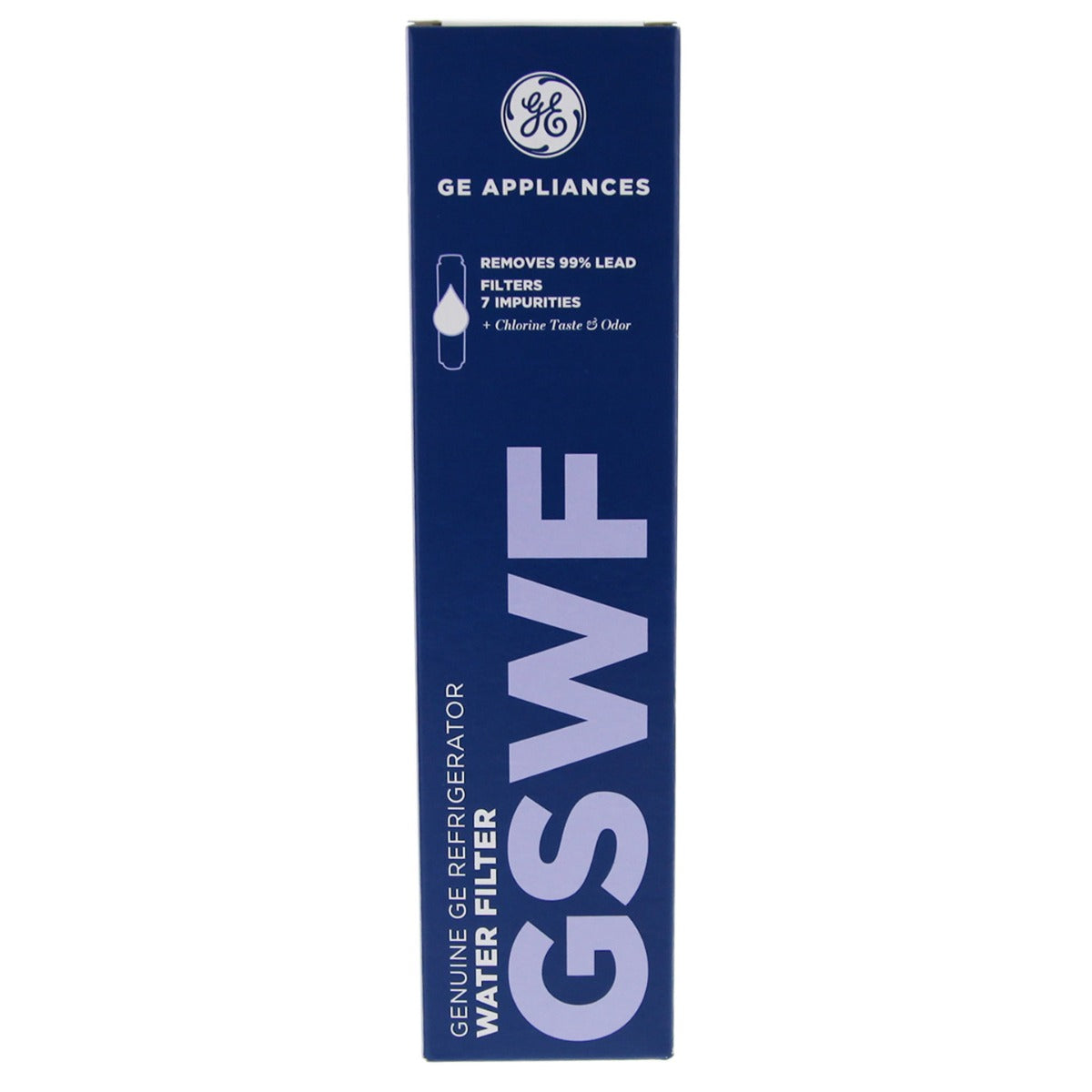

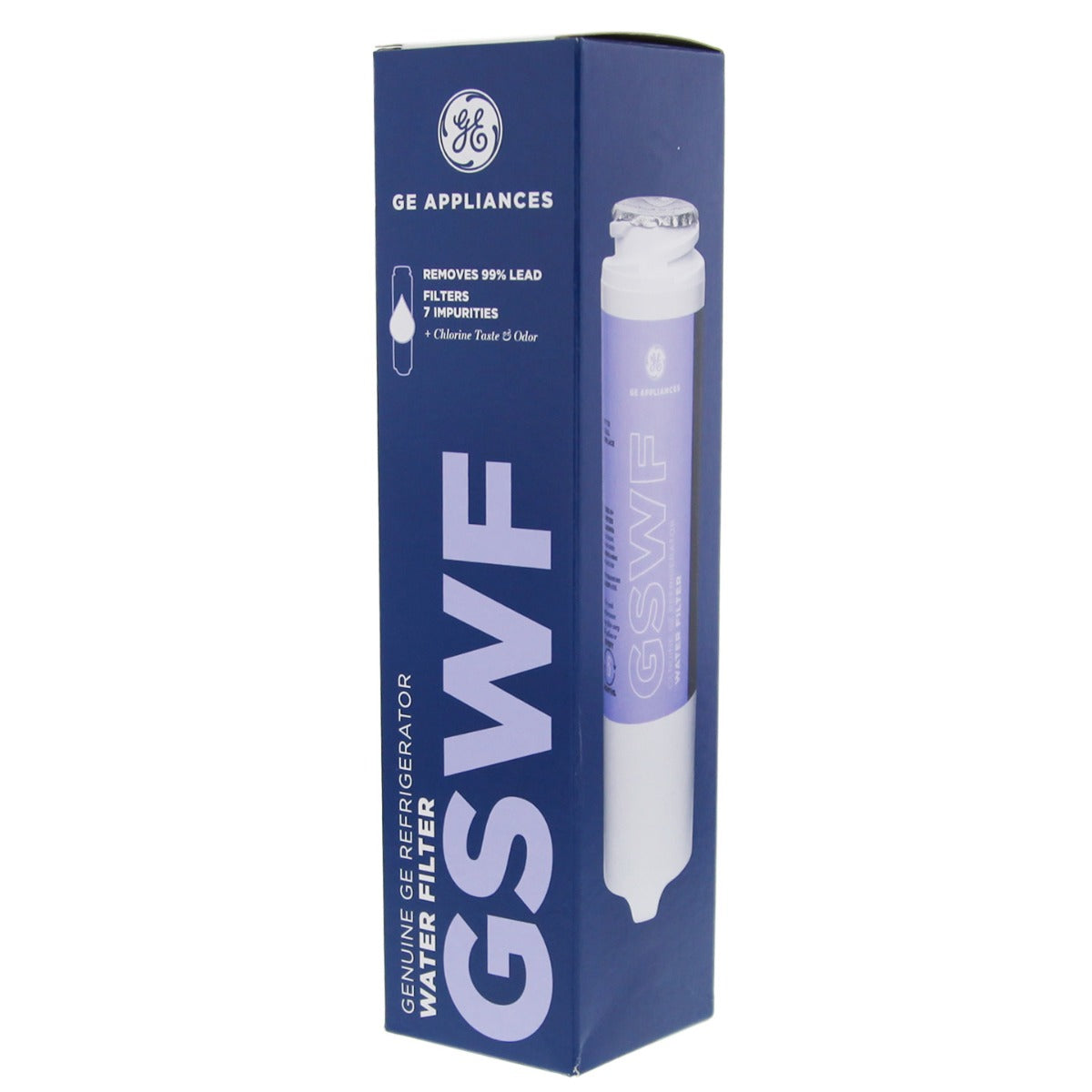

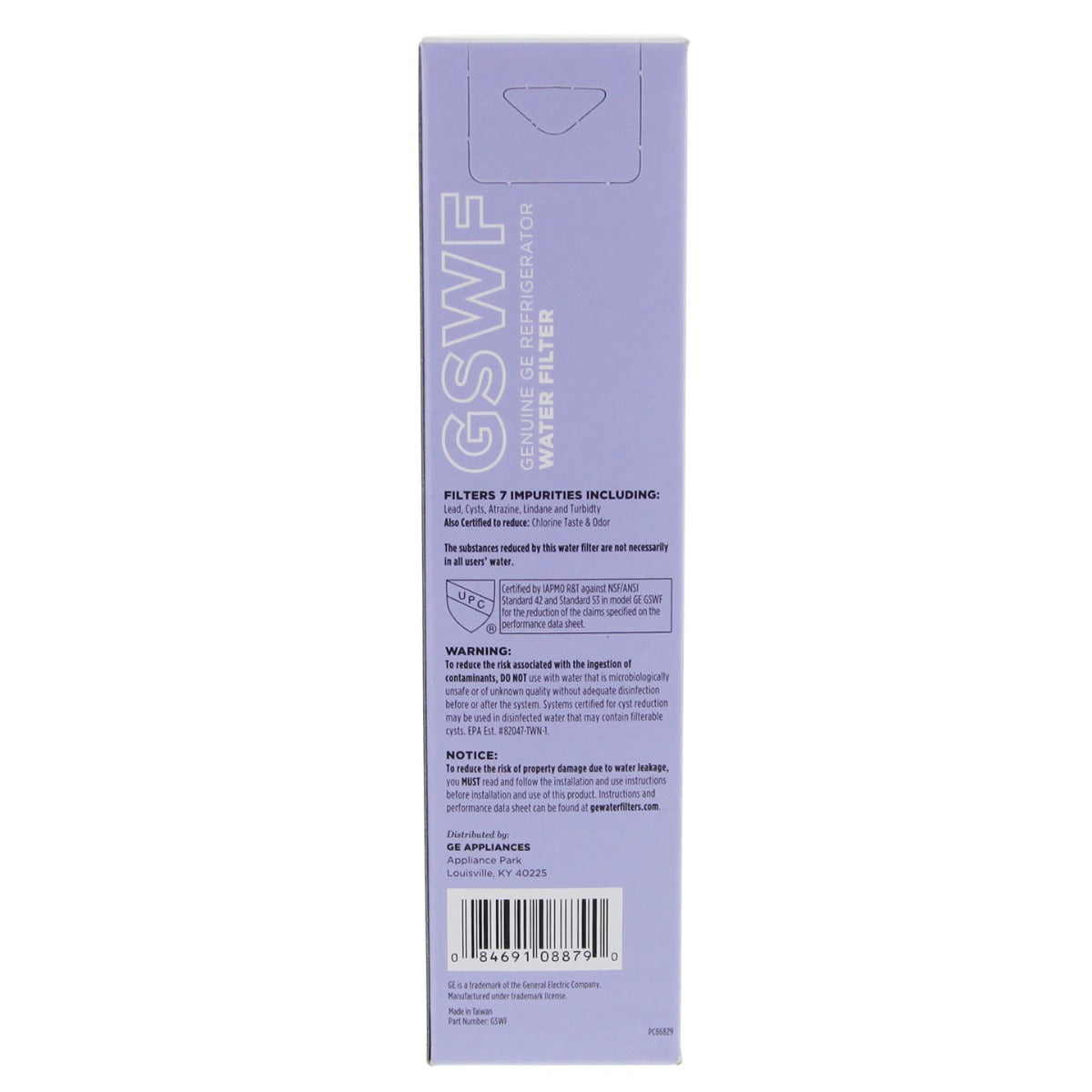

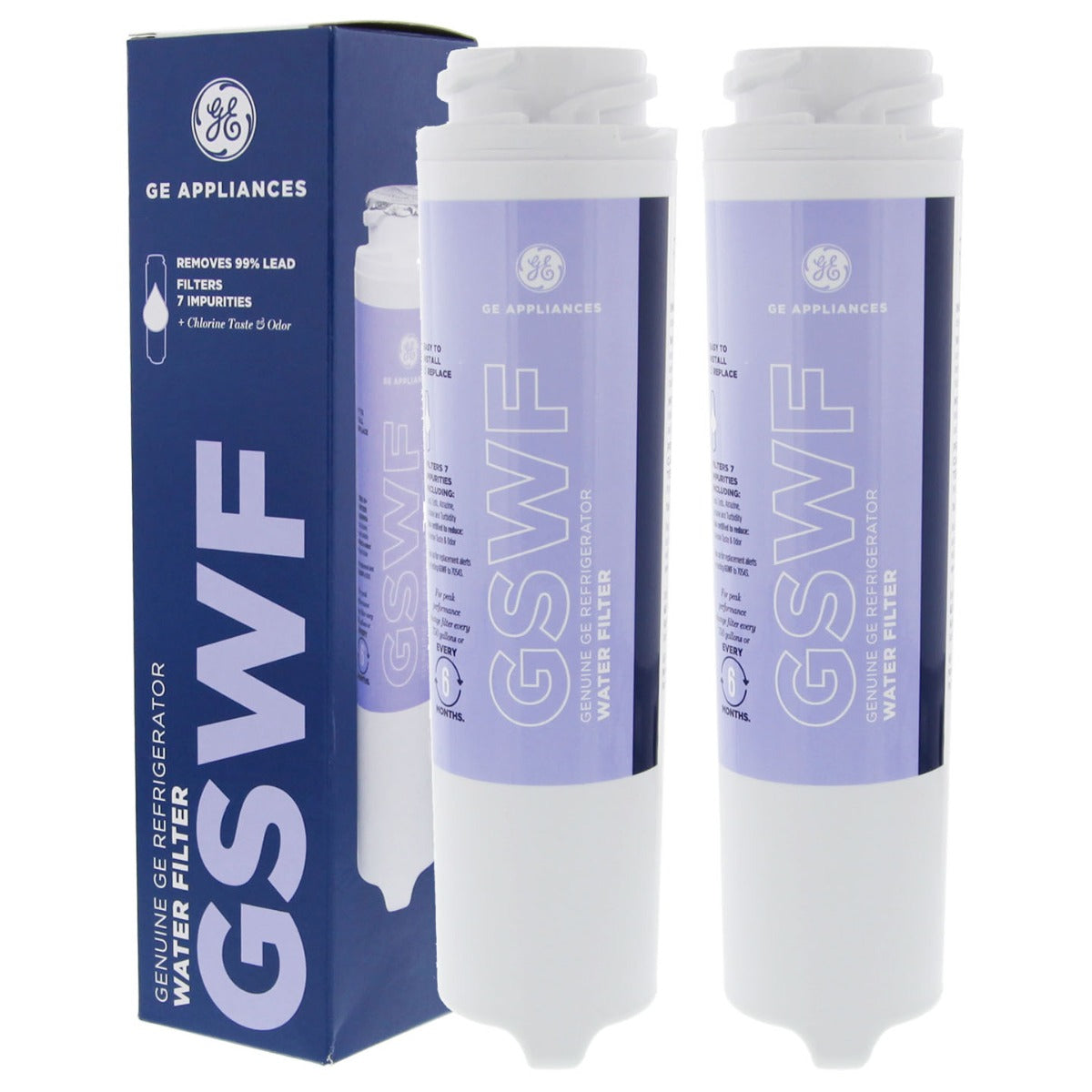

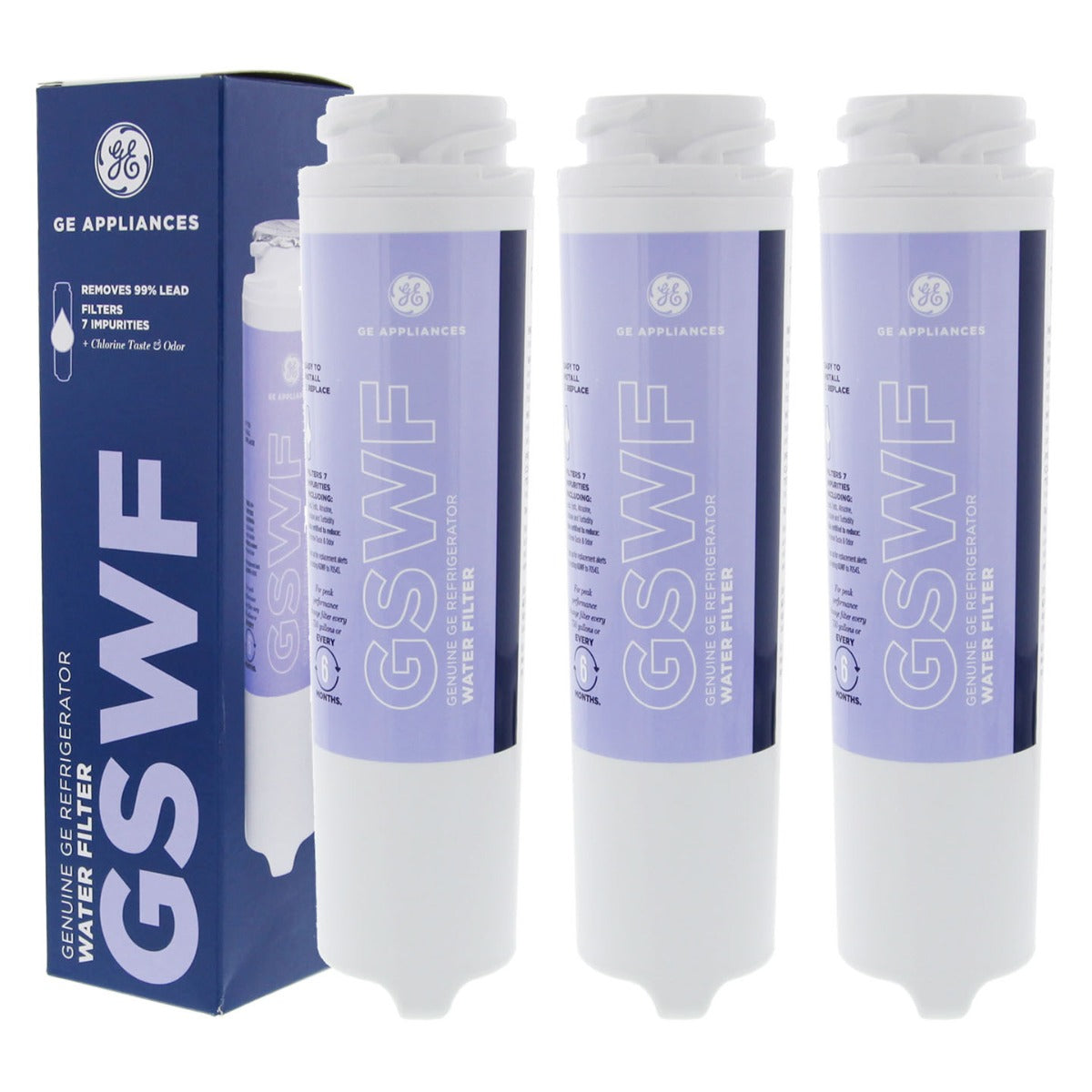

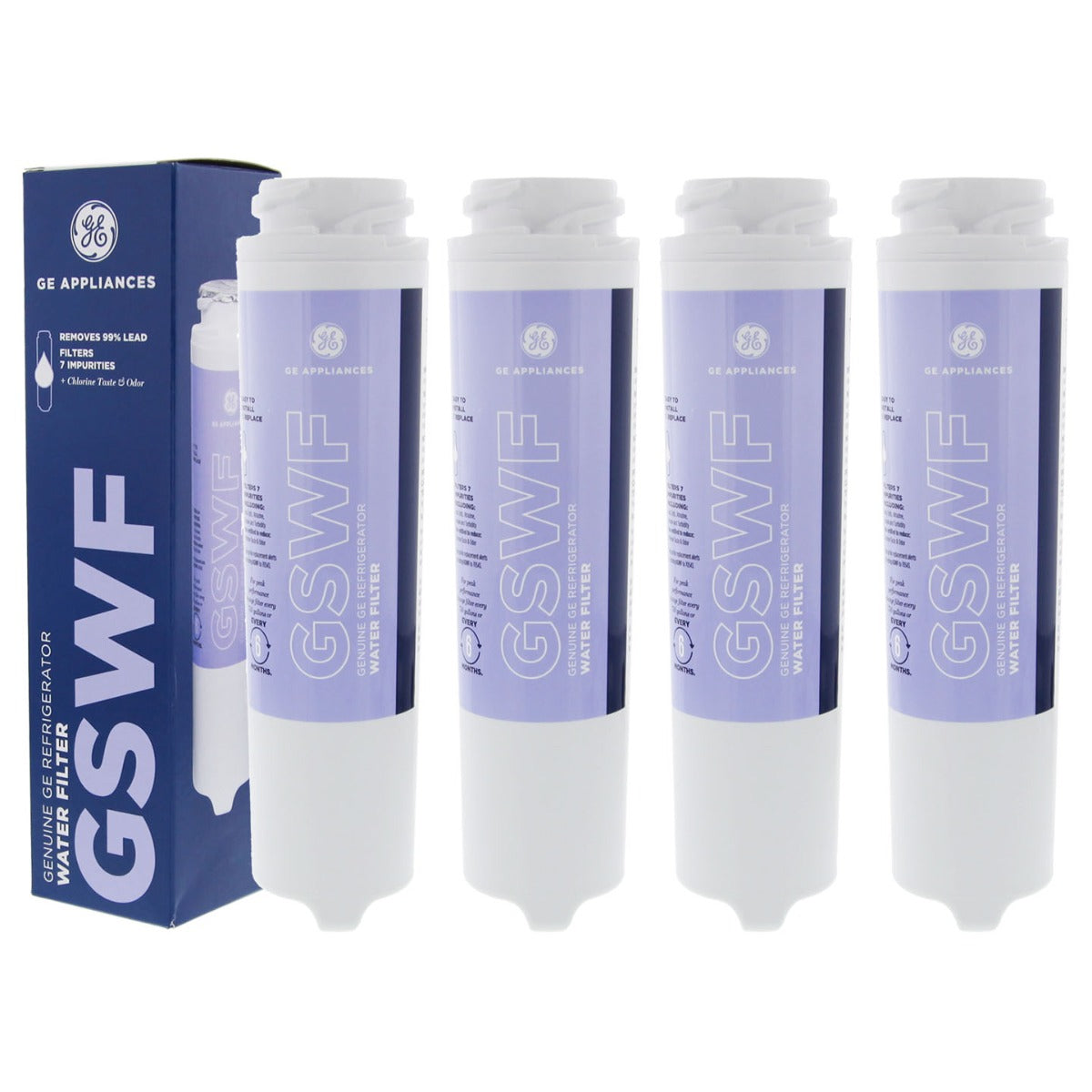

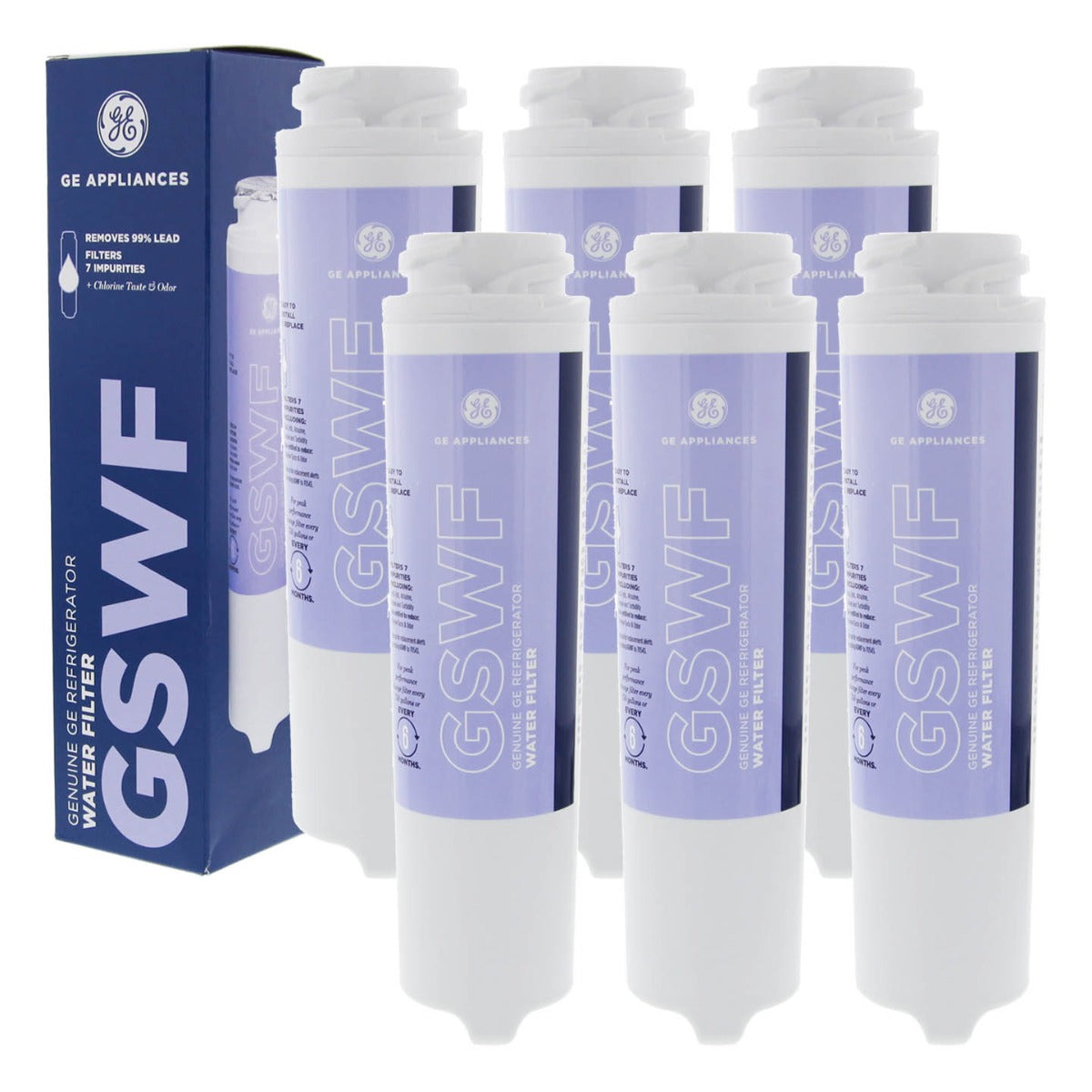

GSWF
GSWF GE SmartWater Slim Refrigerator Water Filter
High Stock (14)
$61.52 - $324.83
Fits GE Arctica & Profile top-freezer & bottom-freezer refrigerators with a flip down compartment and the "twist-lock" filter system
| Price Per Item | |
|---|---|
| 2 PACK | $59.68 |
| 3 PACK | $57.83 |
| 4 PACK | $55.98 |
| 6 PACK | $54.14 |
 Features & Specs
 Features & Specs
Package Qty: 1
Manufacturer: GE
Manufacturer's Id: GSWF
UPC: 84691088790
Actual Size (in): 8 1/2 inches (length) x 2 1/4 inches (outside diameter)
Media: Carbon Block
Primary Filter Media: Activated Carbon Block
Operating Pressure (psi): 40 - 120
Operating Temperature (°F): 33 - 100
Operating Temperature (°C): 0.6 - 37.8
Brand: GE
Length (in): 8.5 in
Outside Diameter (in): 2.25 in
UPC's For Search: 10084691088797 | 084691088790
Country of Origin: United States
Micron Rating Nominal: 0.5
Flow Rate (gpm): 0.5
 Instructions
 Instructions
- Unlatch the plastic filter cover, and let it swing down (so you can see the filter)
- Twist the old filter a quarter-turn counterclockwise
- Pull the filter straight out and discard (don't worry, the water will shut off automatically)
- Push the new filter into the fridge until it stops
- Twist the filter a quarter-turn clockwise
- Swing the plastic filter cover up until it snaps closed
- Reset your 'change filter' light (if your fridge has one)
 Reset Instructions
 Reset Instructions
- Press and hold the reset water filter button on the dispenser for 3 seconds
 Certifications
 Certifications
 Contaminants Reduced
 Contaminants Reduced
 Filter Life
 Filter Life
Filter Life (gallons): 750
Filter Life (months): 6 months

Prop65 warning applies to products that contain carbon media. Click here for more details

Prop65 warning applies to products that contain carbon media. Click here for more details
WARNING: This product can expose you to chemicals including arsenic, which is known to the State of California to cause cancer and birth defects, or other reproductive harm. For more information go to www.p65warnings.ca.gov
The GSWF GE refrigerator water filter is formatted to improve overall water conditions and produce sparkling quality beverages. By reducing the contaminants that can make your water dull and cloudy, this filter will keep water and ice clean and clear for up to six months. Order today!
GSWF is comparable with the following part number(s)
- 100749-C
- 100749C
- 100810\/A
- 100810A
- 111517
- 215C1152P002
- 238C2334P001
- 35917-MN-1
- 46-9914
- 469914
- 49W942
- 7619607
- 9914
- AP3418061
- EAP951515
- GE-GSWF
- GHPGSWF
- GSWF
- GSWF3PK
- GSWFDS
- GTH22SHP
- GTS18KHP
- GTS18SHP
- GTS22KHP
- Kenmore 9914
- PC36011
- PC56994
- PC58696
- PDS20MCP
- PDS20SCP
- PDS22MCP
- PDS22SCP
- PDS22SHR
- PFCS1NJWSS
- PS951515
- PTS22LHP
- PTS22SHP
- PTS25LHP
- PTS25SHP
- RWF-1061
- RWF1061
- SGF-G22
- WF282
- WSG-2
- WSG2
- WF281
- WF298
- OPFG2
- OPFG-2
- WF-281
- EFF-6023A
- EFF6023A
- EFF6023
- EFF-6023
- SGFG22
- RF-G3A
- TIER1-RWF1061
- 100749-C
- CGSWF
- CLCH112
- FF21110
- PH21110
- RB-G2
- RFC3000A
- RWF3000A
- SW-G2
- VJ-298-3PK-1
- WD-GSWF
- WF-GSWF
- WFC6001
- USWF_4061_2_PACK
- GS-G2
- ECOAQUA-EFF-6023A
- SGF-GSWF
GSWF fits the following model number(s)
- GDS20SCSASS
- GTH22SHPARBS
- GTH22SHRARBS
- GTH22SHSARSS
- GTS18KHPARBB
- GTS18KHPARCC
- GTS18KHPARWW
- GTS18KHPCRBB
- GTS18KHPCRCC
- GTS18KHPCRWW
- GTS18KHPDRBB
- GTS18KHPDRCC
- GTS18KHPDRWW
- GTS18KHPLRBB
- GTS18KHPLRCC
- GTS18KHPLRWW
- GTS18KHPPRBB
- GTS18KHPPRCC
- GTS18KHPPRWW
- GTS18SHPARBS
- GTS18SHPCRBS
- GTS18SHPDRBS
- GTS18SHPLRBS
- GTS18SHPPRBS
- GTS18SHSARSS
- GTS18SHSLRSS
- GTS18SHSPRSS
- GTS22KHPARBB
- GTS22KHPARCC
- GTS22KHPARWW
- PDF22MCRABB
- PDF22MCRAWW
- PDS20MCPABB
- PDS20MCPACC
- PDS20MCPAWW
- PDS20MCRABB
- PDS20MCRACC
- PDS20MCRAWW
- PDS20MCRBBB
- PDS20MCRBCC
- PDS20MCRBWW
- PDS20SCPALSS
- PDS20SCPARSS
- PDS20SCRALSS
- PDS20SCRARSS
- PDS20SCRBLSS
- PDS20SCRBRSS
- PDS22MCPABB
- PDS22MCPACC
- PDS22MCPAWW
- PDS22MCRABB
- PDS22MCRACC
- PDS22MCRAWW
- PDS22MCRBBB
- PDS22MCRBCC
- PDS22MCRBWW
- PDS22MFSAWW
- PDS22MHRABB
- PDS22MHRACC
- PDS22MHRAWW
- PDS22MHRBBB
- PDS22MHRBCC
- PDS22MHRBWW
- PDS22SCPALSS
- PDS22SCPARSS
- PDS22SCRALSS
- PDS22SCRARSS
- PDS22SCRBLSS
- PDS22SCR
- CFCP1NIXASS
- CFCP1NIXBSS
- CFCP1NIXCSS
- GBS20EGHBB
- GDE20GGHWW
- GDE20GSHSS
- GFSF2KEXABB
- GFSF2KEXACC
- GFSF2KEXAWW
- GFSL2KEXALS
- GFSS2KEXASS
- GTS18KHP
- GTS18KHPKRBB
- GTS18KHPKRCC
- GTS18KHPKRWW
- GTS18KHPVRBB
- GTS18KHPVRCC
- GTS18KHPVRWW
- GTS18SHP
- GTS18SHSKRSS
- GTS18SHSVRSS
- GTS18SHXARSS
- GTS22KBPBB
- GTS22KBPWW
- GTS22KCPBB
- GTS22KCPCC
- GTS22KCPWW
- GTS22KHP
- GTS22KHPBB
- GTS22KHPBRBB
- GTS22KHPBRCC
- GTS22KHPBRWW
- GTS22KHPCC
- GTS22KHPDRBB
- GTS22KHPDRCC
- GTS22KHPDRWW
- GTS22KHPWW
- GTS22SHP
- PDF22MFSABB
- PDF22MFSAWW
- PDF22MFSBBB
- PDF22MFSBWW
- PDF22MFWABB
- PDF22MFWAWW
- PDS20MCP
- PDS20MFSABB
- PDS20MFSACC
- PDS20MFSAWW
- PDS20MFSBBB
- PDS20MFSBCC
- PDS20MFSBWW
- PDS20MFWABB
- PDS20MFWACC
- PDS20MFWAWW
- PDS20SCP
- PDS20SFSALSS
- PDS20SFSARSS
- PDS20SFSBLSS
- PDS20SFSBRSS
- PDS22MCP
- PDS22MFSABB
- PDS22MFSACC
- PDS22MFSBBB
- PDS22MFSBCC
- PDS22MFSBWW
- PDS22MFWABB
- PDS22MFWACC
- PDS22MFWAWW
- PDS22MISABB
- PDS22MISACC
- PDS22MISAWW
- PDS22MISBBB
- PDS22MISBCC
- PDS22MISBWW
- PDS22MIWABB
- PDS22MIWACC
- PDS22MIWAWW
- PDS22SCP
- PDS22SCRBRSS
- PDS22SFSALSS
- PDS22SFSARSS
- PDS22SFSBLSS
- PDS22SFSBRSS
- PDS22SHRALSS
- PDS22SHRARSS
- PDS22SHRBLSS
- PDS22SHRBRSS
- PDS22SISALSS
- PDS22SISARSS
- PDS22SISBLSS
- PDS22SISBRSS
- PDSF0MFXARBB
- PDSF0MFXARCC
- PDSF0MFXARWW
- PDSF0MFXBRBB
- PDSF0MFXBRCC
- PDSF0MFXBRWW
- PDSS0MFXALSS
- PDSS0MFXARSS
- PDSS0MFXBLSS
- PDSS0MFXBRSS
- PDSS0MFYALSS
- PDSS0MFYARSS
- PDSS0MFYCLSS
- PDSS0MFYCRSS
- PDSS0MFYELSS
- PDSS0MFYERSS
- PDW22SCRARSS
- PDW22SCRBRSS
- PDW22SHRARSS
- PFCE1NJWADBB
- PFCE1NJWADSS
- PFCE1NJWADWW
- PFCE1NJWBDBB
- PFCE1NJWBDSS
- PFCE1NJWBDWW
- PFCE1NJWCDBB
- PFCE1NJWCDSS
- PFCE1NJWCDWW
- PFCF1NFWABB
- PFCF1NFWAWW
- PFCF1NFXABB
- PFCF1NFXAWW
- PFCF1NFXBBB
- PFCF1NFXBWW
- PFCF1NFXCBB
- PFCF1NFXCWW
- PFCF1NJWABB
- PFCF1NJWACC
- PFCF1NJWAWW
- PFCF1NJXABB
- PFCF1NJXACC
- PFCF1NJXAWW
- PFCF1NJXBBB
 |  |  | |
|---|---|---|---|
Product Price |
$61.52 |
$12.95 |
$18.55 |
Product SKU |
GSWF
|
TIER1-RWF1061
|
USWF-4061
|
Filter Life (gallons) |
|
|
|
Filter Life (months) |
|
|
|
Primary Filter Media |
|
|
|
Warranty Guarantee |
—
|
|
—
|
Certifications |
|
|
|
Country of Manufacture |
|
—
|
|